Document Heavy
Built for requests, records, notices, transcripts, claims, referrals, packets, and status loops.
AI Workflow Systems For Litigation Support
Campbell Automations builds secure, human-reviewed AI workflow systems for litigation-support, records retrieval, deposition, settlement, claims, and MSP compliance operations.
Start with one workflow: intake, records chase, deposition scheduling, claims exceptions, referral packets, or client-status reporting. Map it in 7 business days, then build only if the implementation case is strong.
Document Heavy
Built for requests, records, notices, transcripts, claims, referrals, packets, and status loops.
Human Reviewed
AI prepares, classifies, extracts, and drafts. Your team approves sensitive work.
Current Stack Friendly
Improve workflows across existing inboxes, portals, CRMs, spreadsheets, and case systems.
Implementation First
No abstract AI theater. The sprint ends with a concrete build plan and fixed-fee scope.
Best First Workflows
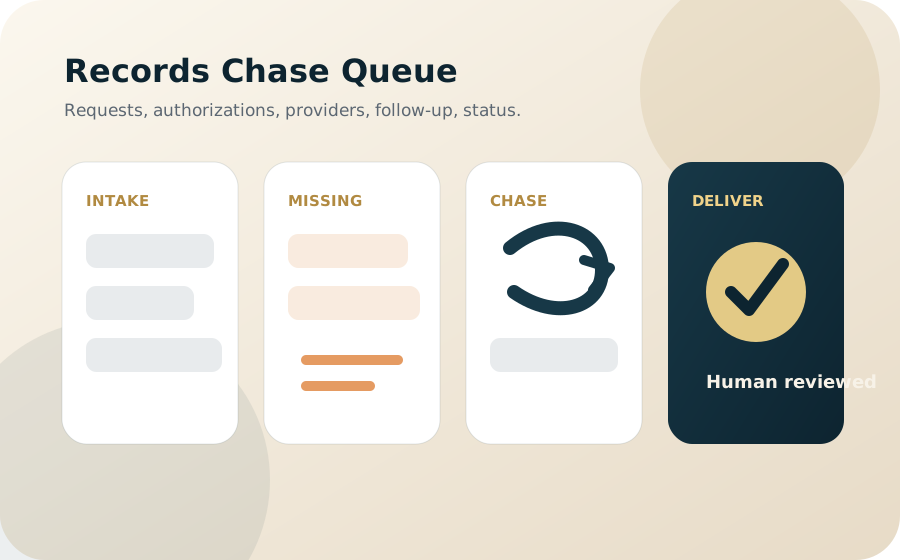
Classify new requests, extract required fields, flag missing authorizations or provider details, draft chase messages, and surface aging requests before clients ask.
Prepare scheduler follow-up, identify missing logistics, track transcript or exhibit status, and give managers a cleaner view of stalled items.
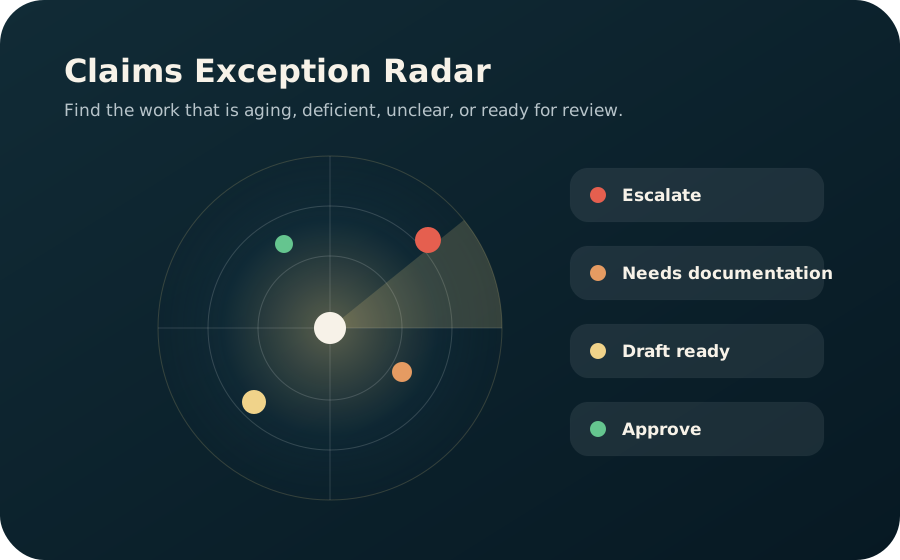
Classify deficiencies, draft notices, route escalations, summarize aging cohorts, and help leadership see where the claims queue is backing up.
Review referral completeness, identify missing medical or settlement documentation, prepare internal summaries, and maintain compliance-status visibility.
The Offer
In 7 business days, Campbell Automations maps one high-friction workflow, identifies the automation and AI review points, and delivers a fixed-fee implementation plan your operations team can approve without buying a generic platform.
Sprint Deliverables
Not Included
Why Now
Most litigation-support work is not waiting for a magic model. It is waiting for better intake, cleaner queues, better drafting support, and safer review points around the systems the team already uses.
Fewer
Stuck requests, missing-info loops, and invisible aging items.
Faster
Coordinator prep, internal routing, client updates, and manager review.
Safer
AI assistance with human approval, auditability, and workflow guardrails.
Pricing
Entry Point
Free
15 minutes to see whether there is a workflow worth inspecting.
Self-Serve Diagnostic
$149
Order online for a practical PDF review of public website, intake, follow-up, and CRM workflow gaps.
Order the AuditPaid Diagnostic
$15,000
7 business days. One workflow. Credited toward implementation if signed within 30 days.
Buildout
$55k-$85k
4-6 weeks to implement the first production workflow with review gates and reporting.
Ongoing
$12.5k-$25k/mo
Monitoring, tuning, new automations, reporting, and monthly workflow review.
Who This Is For
Teams handling repeated request intake, authorizations, provider follow-up, document packets, and status updates.
Teams coordinating scheduling, transcript logistics, exhibits, videography, remote proceedings, and client status.
Teams managing claims forms, deficiencies, notices, referral packets, compliance documentation, and exception queues.
FAQ
No. The usual starting point is improving the workflow around the systems you already use: inboxes, portals, case tools, spreadsheets, forms, and document repositories.
Yes, but the sprint defines data boundaries first. Sensitive data handling, PHI/PII access, retention, and review rules are established before production implementation.
AI can help classify requests, extract key fields, summarize packets, draft follow-up, prepare internal notes, and surface exceptions. Human review remains central.
Because the implementation should be based on the real workflow, edge cases, review points, and system constraints. The sprint prevents vague AI projects and creates a buildable scope.
Contact